

At some point, almost everyone who works, studies, or spends serious time online runs into the same quiet problem.
You don’t notice it at first. It starts small: a useful article you promise yourself to read later, a tutorial you’ll
“definitely need,” a reference link someone shared in a chat. You save them. Or at least, you think you do.
Weeks later, you need one of those links again. You remember the idea, the topic, maybe even the feeling you had when
you first opened it—but the link itself is gone. Not deleted. Just buried. Somewhere between browser bookmarks,
open tabs, notes apps, screenshots, and chat history.
This is where the real problem begins.
When Saving Links Turns Into Losing Them
Most people don’t realize how much time they lose because of scattered links. The moment you try to find something
You already saved, your focus breaks.
This doesn’t feel like a technical issue. It feels like a personal failure. You tell yourself you should be more
organized, more disciplined, better at managing information. But the truth is simpler—and more frustrating.
The tools we’ve been using were never designed for how we actually think.
A Very Familiar Situation
A common scene plays out during many work sessions. A project is underway, and a memory surfaces of a valuable article read weeks earlier—one that explained exactly what is needed now. The article clearly exists. A few phrases still come to mind. The bookmarks are opened.
What appears instead is an overwhelming list. Hundreds of links. Some carefully named. Others saved with random page titles. Many grouped inside a folder labeled “Resources,” a decision that once felt practical.
Scrolling begins. Searching follows. Several links are opened—close, but not quite right. Minutes pass. Five become ten.
The article may still be there, but the context is not. The clarity present at the moment of saving has quietly disappeared.
This scenario is not an exception. It has become the default experience for how information is saved and revisited online.
The Real Pain Behind Disorganized Links
The pain is not just about losing a URL. It’s about losing momentum. Every time you re-search for something you already
found before, your brain switches modes. You move from “doing” to “recovering.” That mental shift is costly.
Over time, this leads to:
– Repeated searches for the same information
-Dozens of open tabs kept “just in case”
-Notes without context
-Bookmarks you stop trusting
Eventually, many people stop saving links altogether. Not because they don’t care—but because saving feels pointless
if retrieval is unreliable.
Why This Problem Keeps Repeating
At first glance, it seems like a discipline issue. But if that were true, the problem would disappear once people
“tried harder.” It doesn’t.
The real reason the problem repeats is structural. Traditional bookmarking tools focus on storage, not understanding.
They assume that a link is enough. They assume future-you will remember why past-you saved it.
That assumption is wrong.
Context fades. Memory fades. A raw link without meaning becomes noise over time.
Why Traditional Tools Failed Us
Browser bookmarks, notes apps, and read-later tools all share the same limitation: they treat links as static objects.
They don’t help you remember what the link was about, why it mattered, or how it connects to other ideas.
Folders quickly become too broad or too specific. Titles are inconsistent. Search depends on exact words you no longer
remember. Instead of building a system, you end up managing chaos.
The result is ironic: the more information you save, the harder it becomes to use it.
Reframing the Problem
At some point, it becomes clear that the issue isn’t laziness or lack of organization skills.
The issue is the model itself.
We don’t just save links to store them. We save links to build knowledge, to support thinking, to continue learning later.
But most tools stop at “save.”
What’s missing is structure, meaning, and retrievability that matches how humans actually work.
Read more: Top Ways to Manage Your Digital Links Efficiently
When the Right Solution Appears Naturally
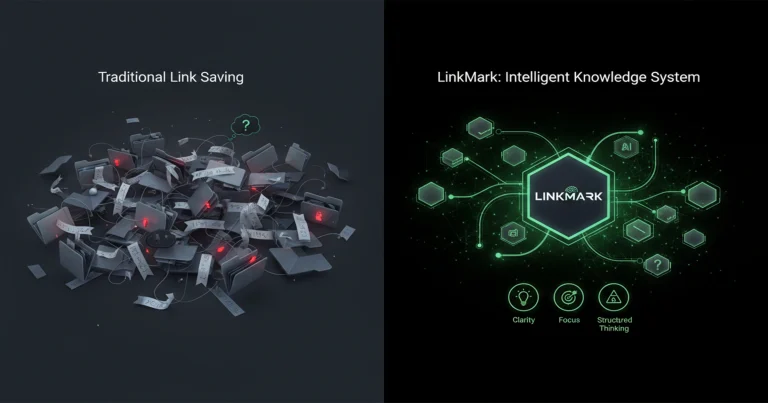
This is where LinkMark enters—not as a sudden replacement, but as a logical response to everything above.
Instead of asking you to be more organized, it changes how links are treated in the first place.
Links are no longer just saved. They are contextualized.
When you add a link, it becomes a clear, readable entry. Something you can scan, recognize, and understand later.
Not because you remember it—but because the system helps you remember.

From Saving to Understanding
Using LinkMark shifts the experience from passive storage to active clarity. Links stop being dead ends and start
becoming part of a system.
Instead of relying on memory, you rely on structure. Instead of guessing, you search by meaning.
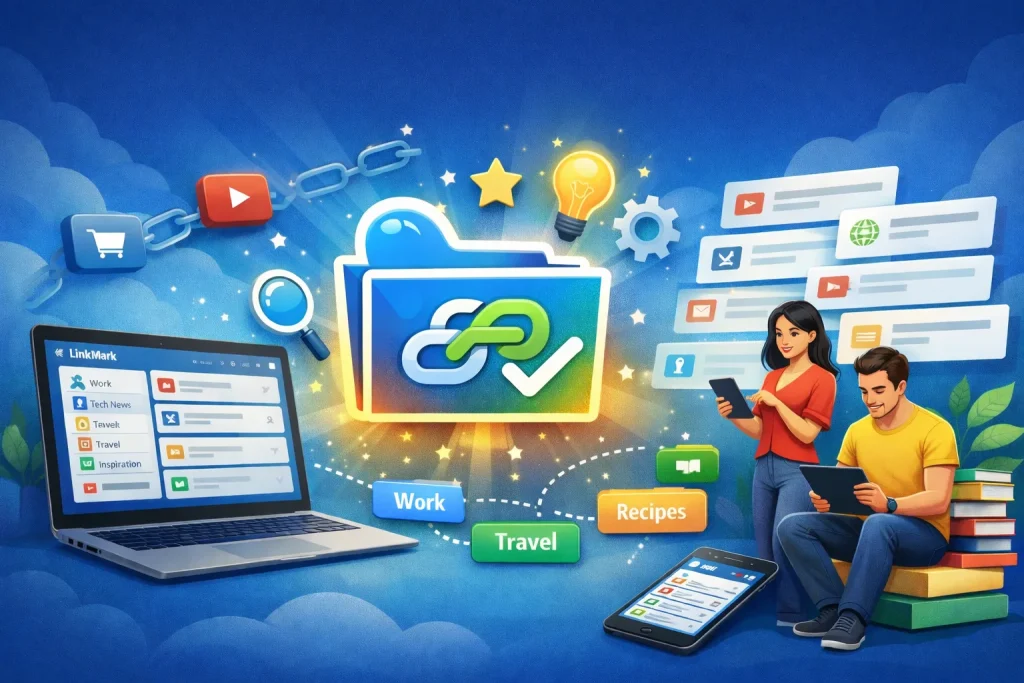
Folders give you broad organization. Tags let ideas overlap naturally. Search works because the information
was designed to be found.
This is the moment where saving links stops feeling like future clutter and starts feeling useful again.
Organizing Without Effort
What makes this approach powerful is that it doesn’t demand perfection. You don’t need to design a complex hierarchy, don’t need to label everything flawlessly.
You save a link, give it minimal structure. That’s enough.
Over time, patterns emerge. Your library becomes navigable. Searching becomes intuitive.
And most importantly, you stop wasting time recovering information you already had.
The Real Transformation
The biggest change isn’t technical. It’s mental.
Stop hoarding tabs, stop screenshotting links out of fear, trust your system.
That trust brings calm. Focus improves. Work flows more smoothly.
The journey moves from:
- Saving links
- To understanding them
- building a system
- To creating usable knowledge
To learn more, watch the video here: https://youtu.be/EK_ZPGc8sYs?si=3kGktKzfvSV06TsK
Conclusion
Disorganized links were never just a small inconvenience. They were a signal that the tools didn’t match the way we
think and work today.
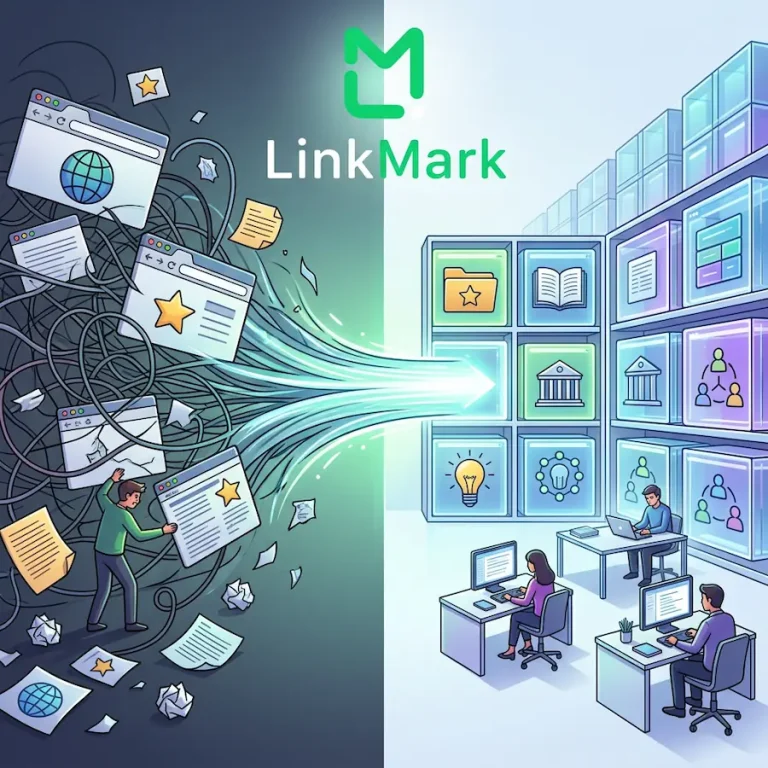
By rethinking what it means to save a link, LinkMark changes the entire experience—from chaos to clarity,
from storage to understanding.