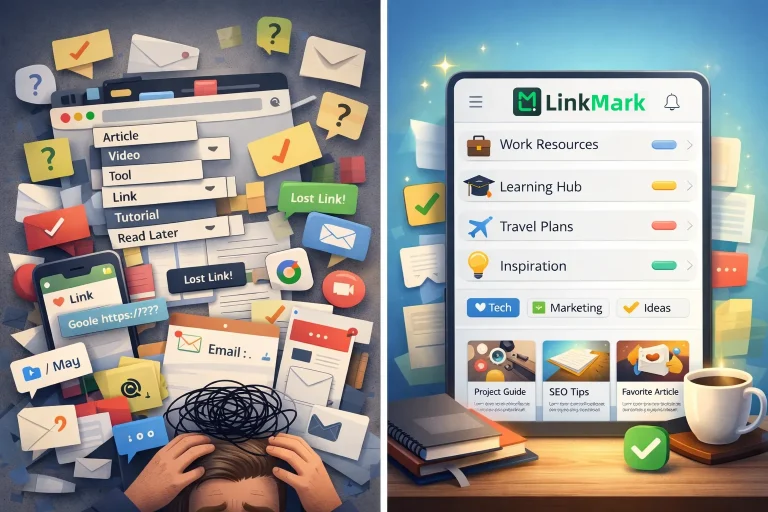

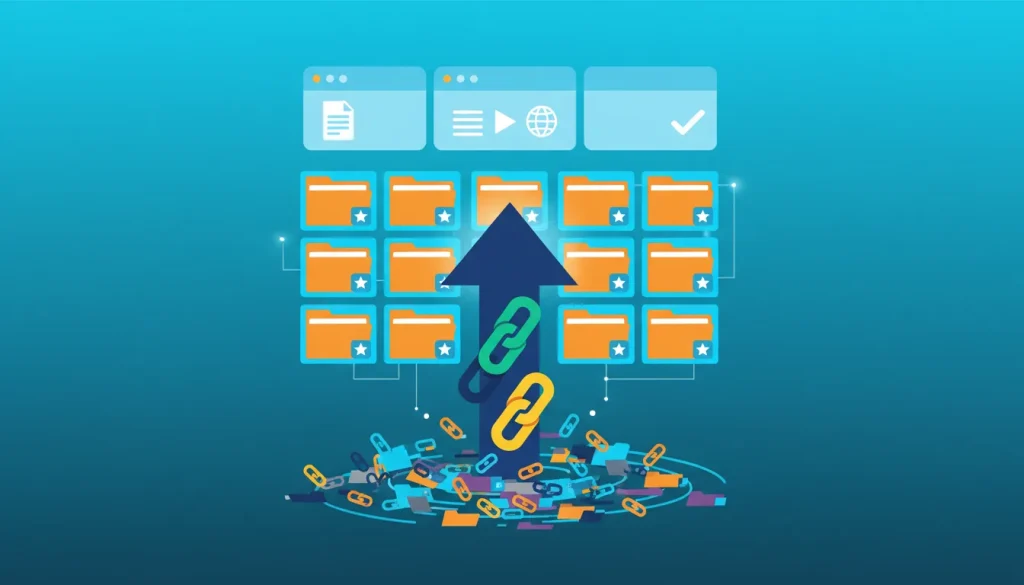

Every day, we save links we genuinely believe we’ll need again. articles, tutorial videos, tools, websites, and reference pages that we think we might need later. Saving them might seem simple at first—you click the bookmark button in your browser, send it to a messaging app, or rely on Google Bookmarks. At that moment, saving feels like progress. However, without an organized system, this process can quickly become chaotic.
After a few days or weeks, when you need that resource, the frustration begins. Where did you save it? Was it in Chrome or Safari? Did you put it in the right folder? Did you rename it to make sense later, or leave it with the default title? This scenario repeats itself constantly, turning a seemingly helpful habit into a silent digital burden. Without proper management, your collection of saved links grows into a confusing mess, reducing productivity and wasting precious time.
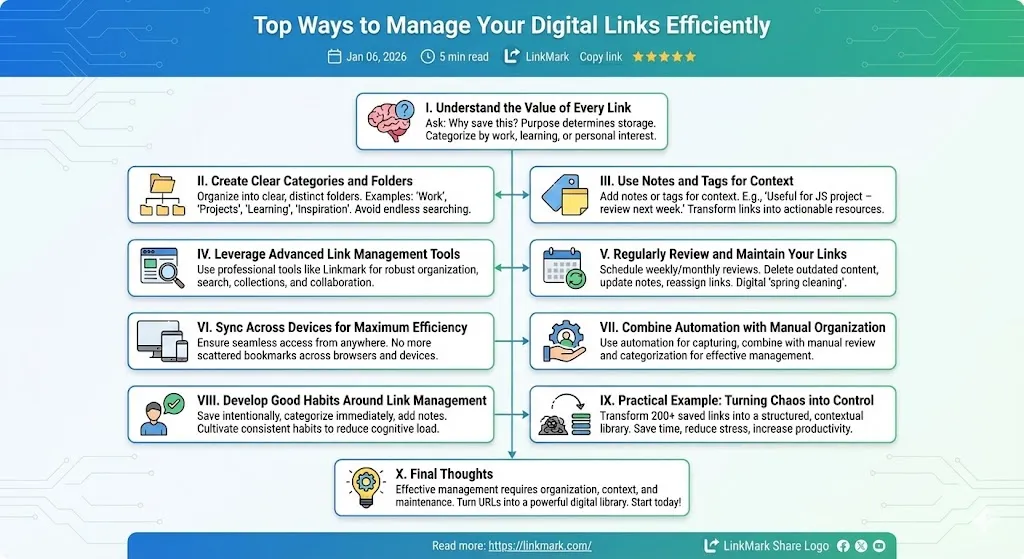
Understand the Value of Every Link
Before saving a link, pause and ask yourself: Why am I saving this? Is it for work, for learning, or for personal interest? Categorizing links by purpose ensures that your digital collection remains useful and meaningful. For example, a research article for a project should be saved differently than a recipe you plan to try later. Understanding the value of each link helps you decide whether it is worth saving at all.
Create Clear Categories and Folders
Once you identify the purpose of your links, organizing them into clear categories or folders is essential. Separate work-related resources from personal interests, learning materials, or future projects. A well-structured system allows you to quickly locate information without endless searching, eliminating the stress caused by digital clutter. You might use categories such as “Work,” “Learning,” “Projects,” or “Inspiration,” depending on your needs.
Use Notes and Tags for Context
A saved link without context can be almost useless. By adding notes or tags, you can remember why you saved the link and how it should be used. For instance, a link to a coding tutorial could include a note like: “Useful for upcoming JavaScript project – review before next week.” Simple annotations transform forgotten links into actionable resources, saving time and improving workflow efficiency.
Leverage Advanced Link Management Tools
Traditional solutions such as browser bookmarks or messaging apps can only go so far. They work when saving a few links, but fail entirely when handling dozens or hundreds. Dedicated link management tools like LinkMark provide robust solutions: you can organize links into collections, add notes, search efficiently, and even collaborate if needed. Using a professional tool ensures that your digital library is always structured and accessible.
Regularly Review and Maintain Your Links
A collection of saved links can become obsolete over time. Set a schedule to review your links weekly or monthly. Delete outdated or irrelevant content, update notes, and reassign links to the appropriate categories. This practice prevents digital clutter from accumulating and ensures your library remains useful and organized. Think of it as a “spring cleaning” for your digital life.
Read more: https://linkmark.com/
 Sync Across Devices for Maximum Efficiency
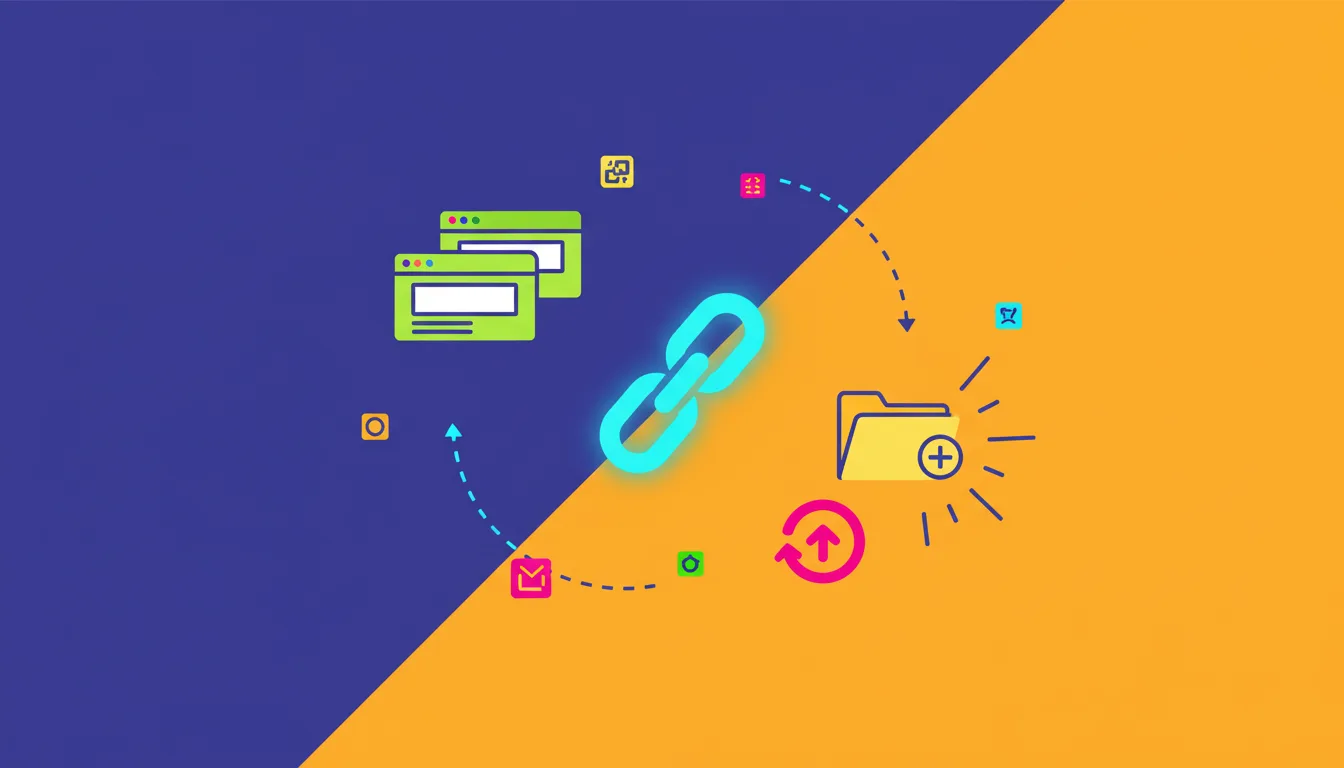
In today’s multi-device world, it is essential to access your links from anywhere. Choose tools that sync seamlessly across desktops, tablets, and mobile devices. This ensures that whether you’re at home, in the office, or on the go, your links are always available. No more searching through emails, chat threads, or scattered bookmarks—everything you need is right at your fingertips.
Combine Automation with Manual Organization
Some tools allow you to automate link saving from emails, browser extensions, or RSS feeds. However, automation alone is not enough. Combine it with manual review and categorization. Automation captures links efficiently, while manual organization ensures they remain useful, understandable, and ready for immediate action when needed.
Develop Good Habits Around Link Management
The most important part of managing digital links is cultivating consistent habits. Save links intentionally, categorize them immediately, and add context notes. Avoid impulsively saving everything; instead, focus on resources you know will be valuable. Over time, these habits reduce cognitive load, prevent digital chaos, and allow you to retrieve information efficiently whenever needed.
Practical Example: Turning Chaos into Control
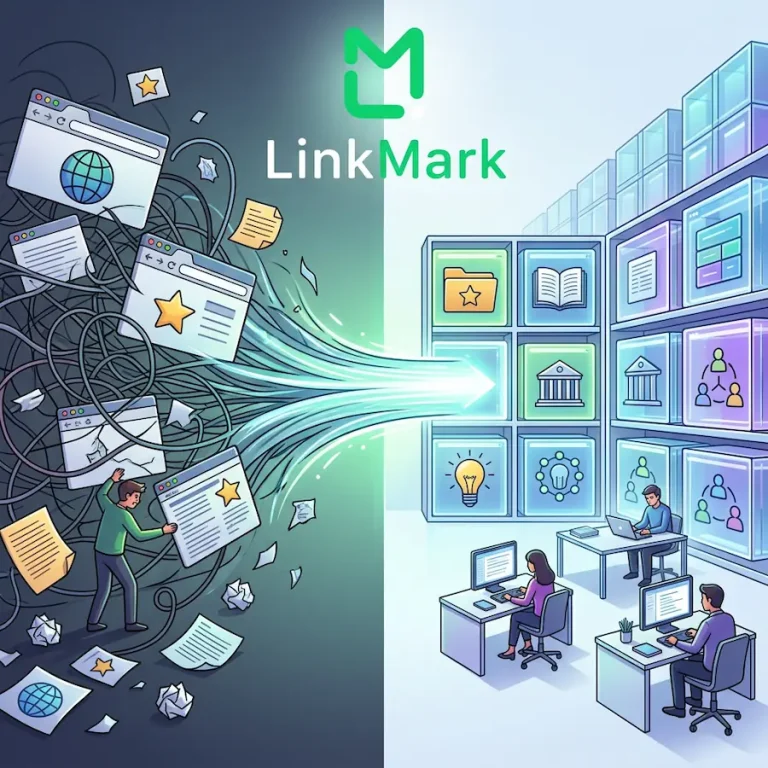
Imagine having 200 saved links from various projects, articles, and tutorials. Without structure, finding the one link you need could take hours. By following these steps—categorizing, tagging, and using a tool like LinkMark—you create a digital library where every link has a place, a context, and a clear purpose. You save time, reduce stress, and increase productivity. Digital chaos transforms into controlled, actionable information.
Final Thoughts
Managing digital links effectively is more than just clicking “save.” It requires organization, context, and ongoing maintenance. By understanding the value of each link, categorizing resources, using notes and tags, leveraging advanced tools, and developing consistent habits, you can turn an overwhelming collection of URLs into a powerful, productive digital library. This approach not only saves time but also reduces digital clutter and helps you retrieve information exactly when you need it, without frustration or unnecessary searching.
Start today: don’t just save links, manage them efficiently. Tools like LinkMark make this process simple and effective by providing structure, clarity, and flexibility for your saved content. With the right system in place, you can shift your focus from managing information to actually using it—whether for learning, research, content creation, or decision-making—ultimately turning stored links into real knowledge and meaningful results.