
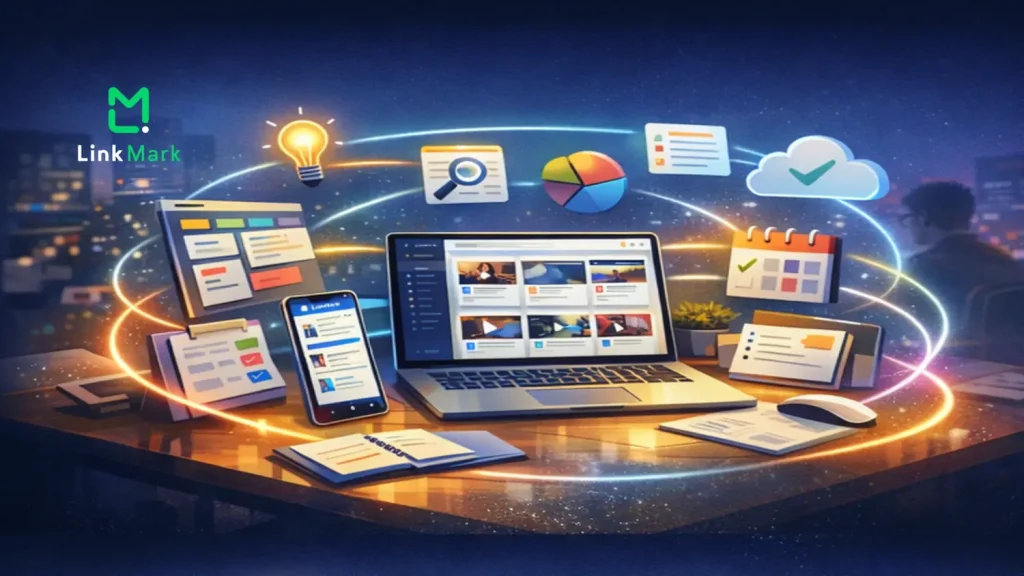

In the modern digital landscape, the problem isn’t a lack of information—it’s the overwhelming abundance of it. Every day, we encounter a barrage of articles, videos, research papers, and tools that we “intend to look at later.” Most of the time, these resources end up in a “bookmark graveyard” or, worse, as one of fifty open tabs draining our computer’s RAM and our mental focus.
While tools like Notion, Trello, Obsidian, and Slack have revolutionized how we manage projects and communicate, they often fail at the very first step: the gathering phase. This is where LinkMark enters the scene.
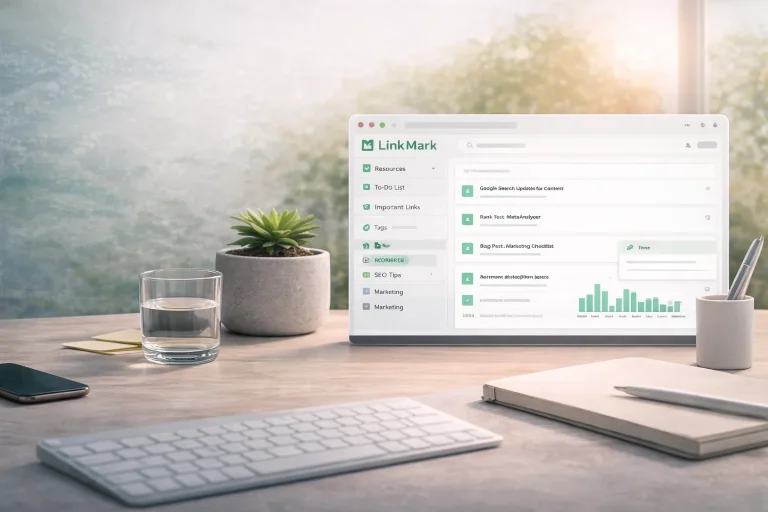
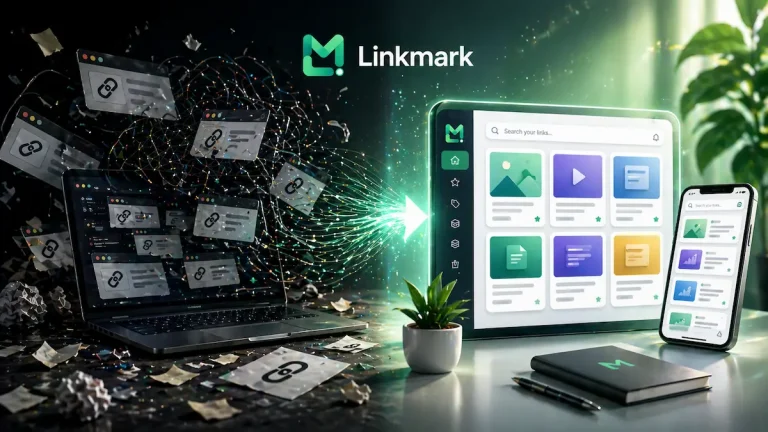
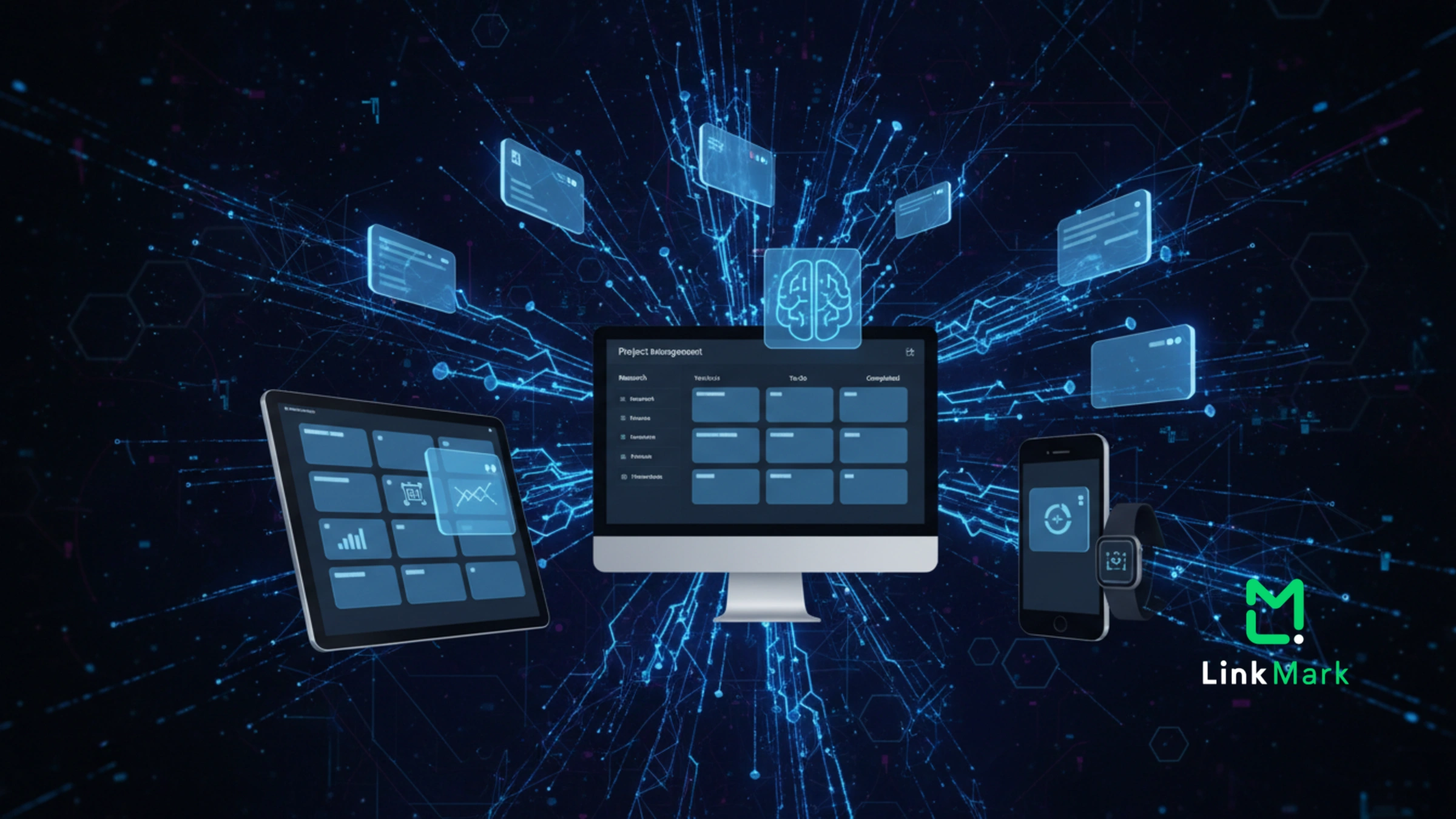
LinkMark isn’t just another bookmark manager; it is an AI-powered knowledge layer designed to sit between the chaos of the internet and the structured world of your productivity tools. It doesn’t aim to replace your existing workflow—it aims to stabilize it.
1. The Philosophy of Integration over Competition
Many productivity apps fall into the “All-in-One” trap, trying to be a calendar, a task manager, a document editor, and a storage system all at once. This often leads to “feature bloat,” making the app too heavy for simple tasks.
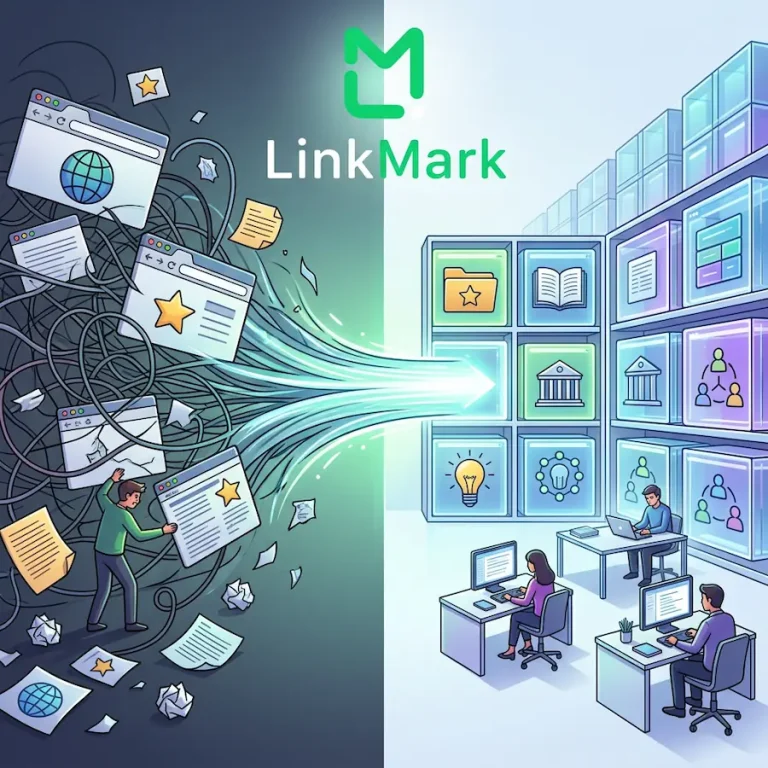
LinkMark takes a different approach. It adheres to the “Unix Philosophy” of doing one thing and doing it exceptionally well: Organizing the Web. By focusing on being the “pre-processing” station for your links, LinkMark allows your other tools to stay clean. Instead of cluttering a Notion database with raw, messy URLs, you use LinkMark to filter, summarize, and polish that information first. When a resource is finally moved into your project management system, it is no longer just a link—it is a “Knowledge Card” with a clear title, a concise summary, and a distinct purpose.
2. LinkMark for Specific Professional Workflows
A. The Research & Writing Workflow (For Content Creators, Students, and Academics)
Writing starts long before you open a blank document. It starts with curiosity and research.
- The Collection Phase: Use the LinkMark Chrome extension or mobile app to save everything that sparks an idea. Don’t worry about titles or descriptions; LinkMark’s AI handles that automatically.
- The Synthesis Phase: Instead of switching between tabs, use LinkMark’s In-App Preview. Read articles and watch videos inside the app. Use the AI-generated summaries to quickly decide if a source is worth citing.
- The Drafting Phase: With LinkMark open on one side of your screen and your writing tool (Google Docs, Word, or Scrivener) on the other, you can drag and drop refined ideas directly into your draft.
B. The Project Management Workflow (For PMs, Developers, and Designers)
Project managers often struggle with “resource drift,” where important documentation is scattered across emails, Slack threads, and browser history.
- Resource Stacking: Create a “Stack” in LinkMark for a specific project (e.g., “Q4 Marketing Campaign”).
- AI Polishing: LinkMark renames messy URLs (like site.com/p?id=123&ref=xyz) into readable titles (like Competitor Pricing Analysis 2024).
- Handoff: When assigning a task in Trello or Jira, paste the LinkMark URL. Your team receives a curated, summarized resource instead of a confusing link.
Read more: How to Use LinkMark to Organize Your Links Without Effort
3. Breaking Down the “Zero Friction” Experience
The biggest enemy of any workflow is “friction”—the small, annoying steps that make you want to stop working. LinkMark is engineered to remove friction at every touchpoint:
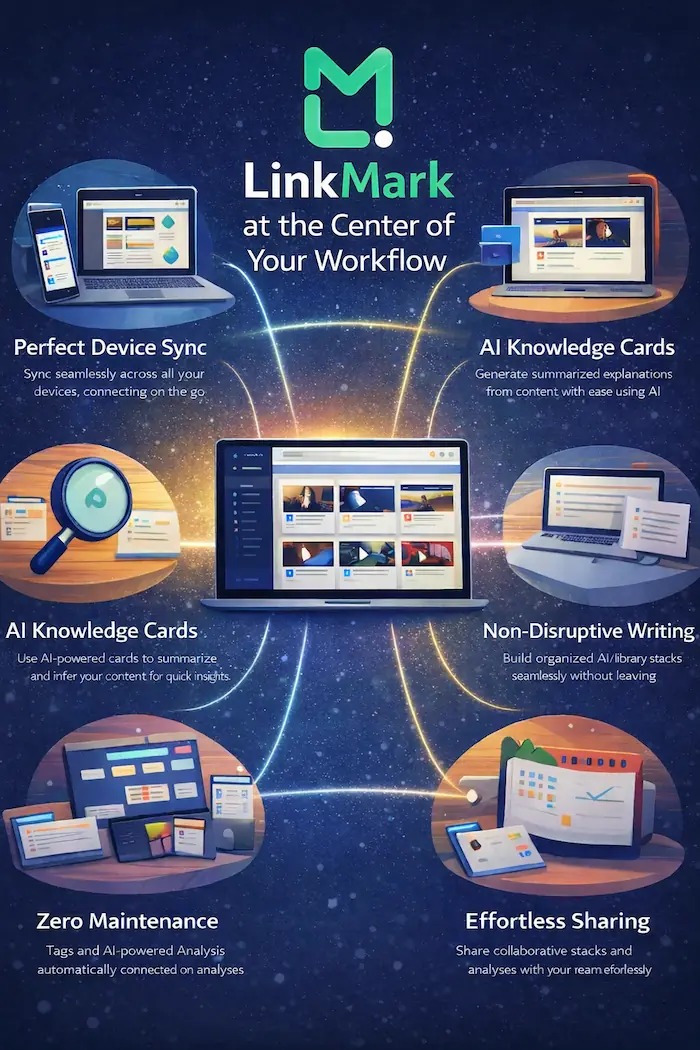
- One-Tap Saving: Whether you are on your phone or desktop, saving a link takes less than a second.
- Visual Organization: Unlike traditional bookmarks that are just lists of text, LinkMark uses a visual card-based layout. Humans process images 60,000 times faster than text; LinkMark’s visual previews allow you to “scan” your library and find what you need in heartbeats.
- Zero-Maintenance AI: You don’t have to manually type tags or descriptions. LinkMark’s AI analyzes the page content to suggest keywords and write summaries. It’s like having a digital librarian who works 24/7 for free.
4. Bridging the Gap Between Mobile and Desktop
Work doesn’t just happen at a desk anymore. We often find our best inspirations while commuting, standing in line, or lounging.
LinkMark offers Perfect Sync Across All Devices. You can save a link on your iPhone while on the train, and by the time you sit down at your Mac or Windows PC, the link is already there, processed by AI, summarized, and waiting in your “Inbox.” This seamless transition ensures that your “Mobile Brain” and your “Desktop Brain” are always in sync.
 Bridging the Gap Between Mobile and Desktop
5. The “In-App” Advantage: Focus vs. Distraction
The modern browser is a distraction machine. When you open a link to read an article, you are often greeted by sidebars, ads, and “related content” that pulls you away from your goal.
LinkMark’s Reader Mode and In-App Preview solve this. By opening content within the LinkMark ecosystem, you bypass the clutter of the open web. This facilitates “Deep Work,” allowing you to consume the information you saved without falling down a YouTube or social media rabbit hole.
6. Collaboration without the Chaos
Sharing links is usually a messy process. If you send five links to a colleague on Slack, they are often buried by the next ten messages.
With LinkMark, you can organize these links into a Stack, add your own notes to each link, and share the entire collection. This turns a “list of links” into a “curated briefing.” It shows your team or clients that you haven’t just found information—you have curated it.
7. Advanced Features for the Power User
- Smart Search: Don’t remember where you saved that article? LinkMark’s search doesn’t just look at titles; it looks at the metadata and AI keywords, making it a “Search Engine for your own Brain.”
- Reminders & Snooze: Some links are for now, others are for Tuesday at 10 AM. Set a reminder on a link, and LinkMark will nudge you when it’s time to act on it.
- Archive vs. Delete: Don’t lose your history. Archive finished projects to keep your workspace light, but keep the data searchable for future reference.
Conclusion: Becoming the Center of Your Digital Universe
LinkMark is more than a utility; it is a strategy. It recognizes that in the digital age, your “Workflow” is only as strong as your “Information Management.”
By acting as a buffer, a polisher, and an organizer, LinkMark ensures that your other tools—your Docs, your Task Managers, your Team Chats—are used for their intended purpose: Action. Stop fighting with your browser tabs. Stop losing great ideas in the shuffle. Integrate LinkMark into your daily routine and transform the way you interact with the internet. It’s time to move from “Saving Links” to “Building Knowledge.”