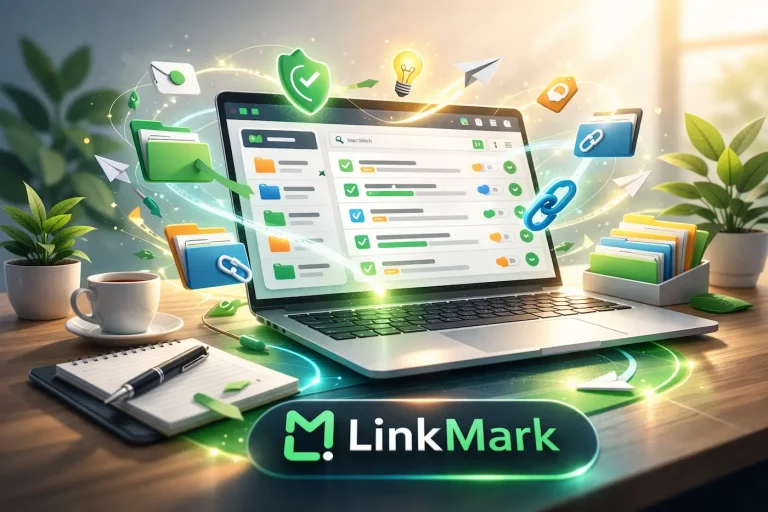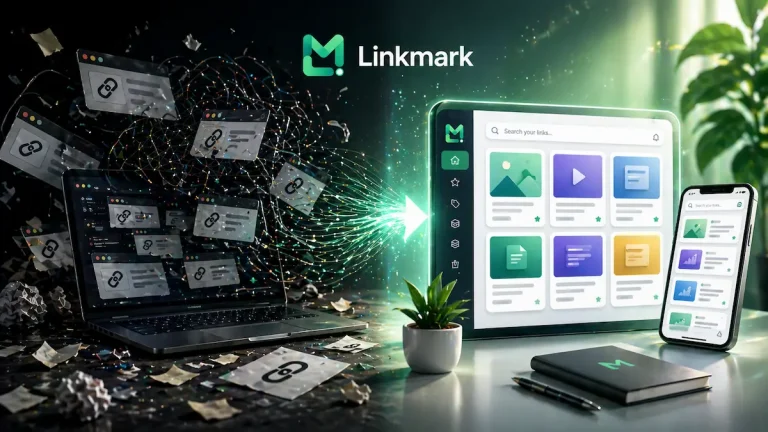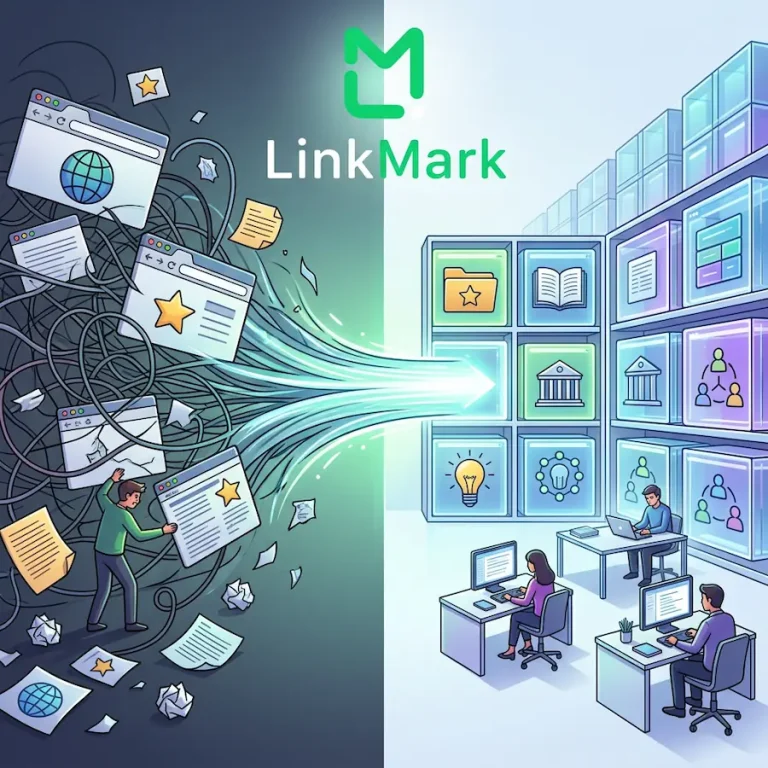


In the fast-moving digital world, we save countless links every day—articles, tools, videos, tutorials—but finding them later can be frustrating. Traditional bookmarks, scattered notes, and temporary lists often fail when collections grow, leaving you wasting time searching for resources you already found.
LinkMark solves this by allowing you to save a link once and find it anytime, turning scattered digital clutter into an organized, searchable library. By centralizing all your links, supporting advanced tagging and categories, and offering powerful search features, LinkMark ensures every saved resource is always accessible.
Centralized Storage for Your Links
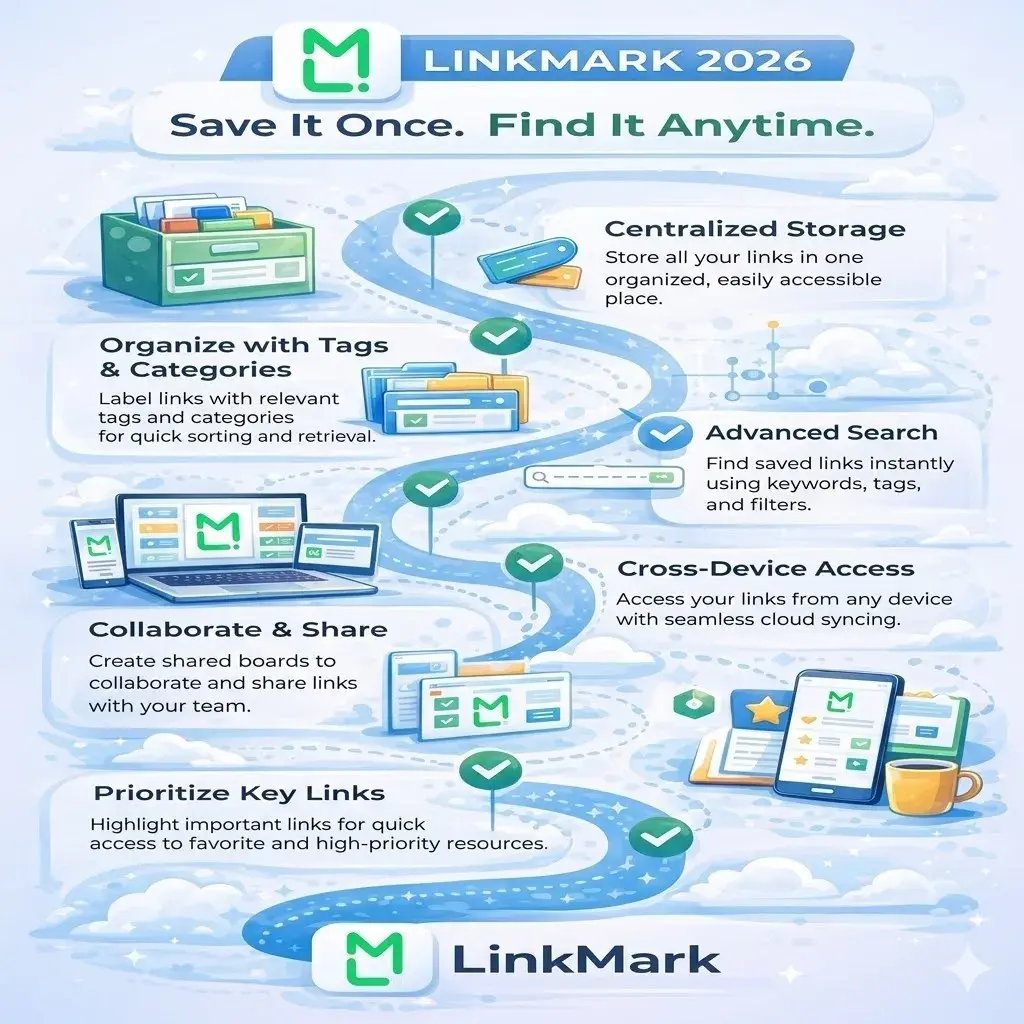
Instead of juggling multiple browsers, messaging apps, or document folders, LinkMark provides one centralized space for all your links. Centralization means no more lost resources and easy navigation through your entire collection. Every link has a designated home, making retrieval faster and more reliable.
Organize Using Categories and Tags
LinkMark allows you to categorize your links by project, topic, or type, and further tag them with specific labels. This dual-layered approach ensures your links are organized both structurally and contextually, making them easier to find when needed.
For example, a link saved under “Learning” could have tags like “AI,” “Productivity,” or “Tutorial,” enabling you to retrieve it using multiple criteria. This method is far superior to traditional bookmarks that rely only on folders.
Advanced Search for Instant Retrieval
The search functionality in LinkMark allows you to locate links instantly. Filter by tags, categories, date, or keywords. Even if you forgot where or when you saved a link, it’s still only a few clicks away. This feature ensures that your time is spent using your resources, not hunting for them.
Collaborate and Share Effortlessly
Many links are relevant to teams and projects. LinkMark enables collaborative boards and shared collections, allowing colleagues or team members to contribute and access resources. Sharing ensures everyone stays on the same page and valuable links are never lost.
Integrate Seamlessly with Productivity Tools
LinkMark integrates with other apps and tools, so your saved links flow naturally into your existing workflow. Integration reduces redundancy and keeps all resources aligned across platforms, enhancing daily productivity.
Read more: How LinkMark Changes the Way We Return to Links
Build a Personal Knowledge Network
Saving links in LinkMark isn’t just about storage—it’s about building a connected knowledge system. Related links can be tagged or categorized to show relationships, creating a personal network of information. Over time, patterns emerge, making insights easier to spot and apply.
Maintain Your System Regularly
Regular reviews of categories, tags, and collections help keep your system efficient. LinkMark encourages periodic audits to remove outdated links and reorganize when necessary. This habit keeps your digital library tidy, accessible, and sustainable.
Access Links Across Devices
LinkMark allows you to access your saved links from any device, whether it’s a laptop, tablet, or smartphone. This cross-device accessibility ensures that you can retrieve important resources wherever you are, whether working from home, in the office, or on the go.
With cloud synchronization, any link you save on one device is instantly available on all others, eliminating the frustration of searching through multiple platforms or remembering where a link was originally saved.
Prioritize Your Most Important Links
LinkMark lets you mark certain links as favorites or high-priority, so they are always easy to find. This feature is especially useful for critical resources you need daily or frequently reference for ongoing projects.
By highlighting the most important links, you reduce time spent scrolling through large collections and can focus immediately on the resources that matter most to your workflow and productivity.
Final Thoughts
With LinkMark, saving a link once truly means you can find it anytime. Centralized storage, advanced organization, powerful search, collaboration, and integrations make it more than just a bookmark tool—it’s a productivity and knowledge management platform. By maintaining your system and leveraging LinkMark’s features, you ensure that your digital resources remain organized, actionable, and always within reach.